The connected world, personal data has become one of the most valuable digital assets. Smartphones, laptops, tablets, and online accounts store everything from financial details to private conversations and personal photos. While technology provides convenience, it also exposes users to a growing range of cyber risks.
Research from the Federal Bureau of Investigation Internet Crime Complaint Center reports that cybercrime complaints continue to rise each year, with billions of dollars lost globally due to online fraud, identity theft, and data breaches. At the same time, studies from the National Institute of Standards and Technology highlight that many security incidents occur because individuals follow weak security practices such as reusing passwords or ignoring software updates.
Fortunately, protecting your digital life does not always require advanced technical knowledge. Many of the most effective cybersecurity habits are simple steps that anyone can implement. From using stronger passwords to recognizing suspicious emails, small improvements can significantly reduce the risk of data theft and privacy violations.
1: Use Strong Passwords for Every Account to Secure Your Device
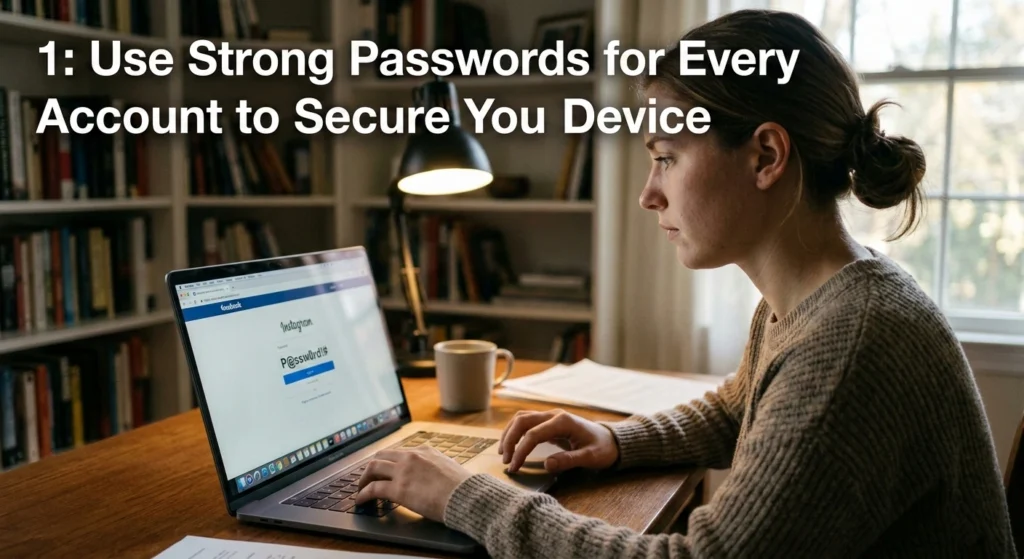
Passwords remain the first line of defense for most online services. Despite this, weak or reused passwords are one of the most common causes of security breaches. When a password is simple or shared across multiple accounts, attackers can easily gain access to several services at once.
According to cybersecurity studies, millions of people still rely on passwords like “123456” or “password,” which can be cracked in seconds by the automated tools. Creating strong and unique passwords dramatically improves account security.
Why Password Strength Matters
Cybercriminals often use automated software that attempts thousands of password combinations per second. Weak passwords are particularly vulnerable to these attacks.
Security researchers at the Cybersecurity and Infrastructure Security Agency emphasize that strong passwords significantly reduce the chances of unauthorized access, especially when combined with additional authentication layers.
Common Password Weaknesses
Many users unknowingly create passwords that are easy to guess.
Examples include.
- Using personal information such as birthdates or names
- Reusing the same password across multiple websites
- Creating short passwords with predictable patterns
These habits make accounts easier targets for attackers.
How to Create Strong Passwords
Strong passwords should be difficult for both humans and automated programs to guess.
Characteristics of a Secure Password
A secure password typically includes.
- At least 12–16 characters
- A mix of uppercase and lowercase letters
- Numbers and special characters
- No personal information or dictionary words
For example, using a passphrase composed of unrelated words and symbols can improve both security and memorability.
The Importance of Unique Passwords
Reusing passwords across multiple platforms creates a domino effect. If one service experiences a breach, attackers may attempt to use the same credentials on other websites.
Using unique passwords ensures that a single compromised account does not expose your entire digital identity.
2: Enable Two-Factor Authentication on All Accounts

Even strong passwords can be stolen through data breaches or attacks. This is why security experts recommend adding an additional verification layer known as two-factor authentication (2FA).
Two-factor authentication requires users to confirm their identity using a second verification method after entering their password.
What Is Two-Factor Authentication?
Two-factor authentication combines two different types of verification.
- Something you know – your password
- Something you have – a temporary verification code or authentication device
This second factor significantly reduces the risk of unauthorized access.
Research from the Google has shown that enabling two-factor authentication can block the majority of automated account takeover attempts.
Common Types of Two-Factor Authentication
One-Time Verification Codes
A temporary code is sent to your phone or generated by an authentication application. The code typically expires after a short time.
Hardware Security Keys
Some users choose physical security keys that must be connected to a device to confirm login attempts.
Biometric Authentication
Biometric methods such as fingerprints or facial recognition are increasingly used on modern smartphones and laptops.
Why Two-Factor Authentication Is Important
If an attacker manages to steal your password, they still cannot access the account without the second verification factor. This additional barrier significantly improves overall security.
3: Keep Your Software and Operating Systems Updated
Software updates are often viewed as minor inconveniences, but they play a critical role in protecting devices from vulnerabilities.
Every operating system and application contains code that can occasionally include security weaknesses. When these weaknesses are discovered, developers release updates to patch them.
Why Software Updates Matter
Cybercriminals actively search for outdated software because unpatched systems often contain known vulnerabilities.
The Microsoft security intelligence reports frequently highlight that many malware infections occur on systems that have not installed important updates.
Types of Security Updates
Security Patches
Security patches fix vulnerabilities that attackers could exploit to gain unauthorized access.
Stability Improvements
Updates often include fixes that improve performance and reduce system crashes.
Feature Enhancements
While not strictly related to security, feature updates can introduce improved privacy controls and protective features.
Best Practices for Updates
To maintain device security.
- Enable automatic updates when possible
- Regularly check for operating system updates
- Update installed applications and browsers
Keeping software current ensures your device is protected against newly discovered threats.
4: Install and Maintain Reliable Antivirus and Security Software
Antivirus software remains an essential component of device security. It acts as a protective layer that detects and blocks malicious programs before they can cause harm.
Modern security tools use advanced detection technologies that analyze suspicious behavior rather than relying solely on known malware signatures.
How Antivirus Software Protects Devices
Security software typically performs several functions.
- Scanning files for malicious code
- Blocking suspicious websites
- Monitoring system behavior for unusual activity
These features help prevent malware infections, spyware installations, and unauthorized access attempts.
The Evolution of Malware Protection
Early antivirus tools focused on detecting known viruses. However, modern cyber threats have become far more sophisticated.
Security solutions now use techniques.
Behavioral Analysis
Programs are monitored for suspicious activity patterns that resemble malware behavior.
Cloud-Based Threat Intelligence
Security software can compare suspicious files with global threat databases to identify new threats more quickly.
Maintaining Security Software
Installing security software is only the first step. Users must also ensure that the software is regularly updated and configured correctly.
Regular scans and updated malware definitions help maintain strong protection against evolving threats.
5: Secure Your Wi-Fi Network with a Strong Password
Home Wi-Fi networks connect multiple devices, including computers, smartphones, smart TVs, and other internet-enabled equipment. If the network is not properly secured, unauthorized users may gain access.
Why Wi-Fi Security Is Important
When a Wi-Fi network lacks strong security settings, nearby individuals may connect without permission.
This can lead to.
- Unauthorized internet usage
- Data interception
- Access to connected devices
The Federal Communications Commission recommends implementing strong wireless security to protect personal data and prevent unauthorized access.
Strengthening Your Wi-Fi Network
Use a Strong Wi-Fi Password
Enable Modern Encryption
Most modern routers support strong encryption standards such as WPA2 or WPA3, which protect transmitted data from interception.
Change Default Router Credentials
Many routers come with default administrative login credentials that are widely known. Changing these credentials prevents unauthorized configuration changes.
6: Be Cautious with Public Wi-Fi and Use a VPN

Public Wi-Fi networks found in airports, cafes, and hotels offer convenient internet access but often lack strong security protections.
Attackers may exploit these networks to intercept unencrypted communications or create malicious hotspots designed to trick users.
Risks of Public Wi-Fi
Public networks may expose users to threats such as.
- Data interception
- Man-in-the-middle attacks
- Fake hotspot networks
These risks increase when users access sensitive accounts such as online banking or email.
How a VPN Improves Privacy
A Virtual Private Network encrypts internet traffic, making it difficult for outsiders to monitor online activity.
Encryption ensures that even if data is intercepted, it remains unreadable without the proper decryption keys.
Safe Practices on Public Networks
When using public Wi-Fi.
- Avoid accessing sensitive financial accounts
- Log out of accounts after use
- Disable automatic Wi-Fi connections
These habits reduce the likelihood of information exposure.
7: Regularly Back Up Important Data
Data loss can occur for many reasons, including hardware failures, accidental deletion, malware infections, or device theft. Backups ensure that important files remain accessible even if the original data is lost.
Why Data Backups Are Essential
Studies by the National Cyber Security Centre emphasize that regular backups are one of the most effective defenses against ransomware attacks and data loss incidents.
If attackers encrypt or destroy your data, a backup copy allows you to restore files without paying a ransom or losing valuable information.
Types of Data Backups
Local Backups
Files are copied to external storage devices such as hard drives or local network storage systems.
Cloud Backups
Data is stored remotely through secure cloud services that synchronize files across devices.
Best Practices for Backup Strategies
Effective backup plans typically include.
- Regular automated backups
- Multiple backup locations
- Periodic testing of backup restoration
Maintaining current backups ensures that your important information can be recovered quickly.
8: Limit Personal Information Shared Online
Sharing personal details online can expose individuals to privacy risks and identity theft. Social media platforms and online forums often encourage users to disclose personal information without fully considering the consequences.
How Oversharing Creates Risks
Personal information shared publicly may be used by attackers to guess passwords, answer security questions, or impersonate individuals.
Examples of risky information include.
- Home addresses
- Phone numbers
- Travel plans
- Birthdates and family details
Cybercriminals often gather small pieces of public information to build detailed profiles of potential victims.
Managing Your Online Privacy
Review Social Media Privacy Settings
Most platforms allow users to control who can view posts and personal information.
Think Before Sharing
Consider whether the information being shared could expose you to privacy risks.
Avoid Publicly Posting Sensitive Details
Information such as financial data or identification documents should never be shared online.
Practicing careful information sharing helps protect personal identity and digital privacy.
9: Encrypt Sensitive Files and Communications
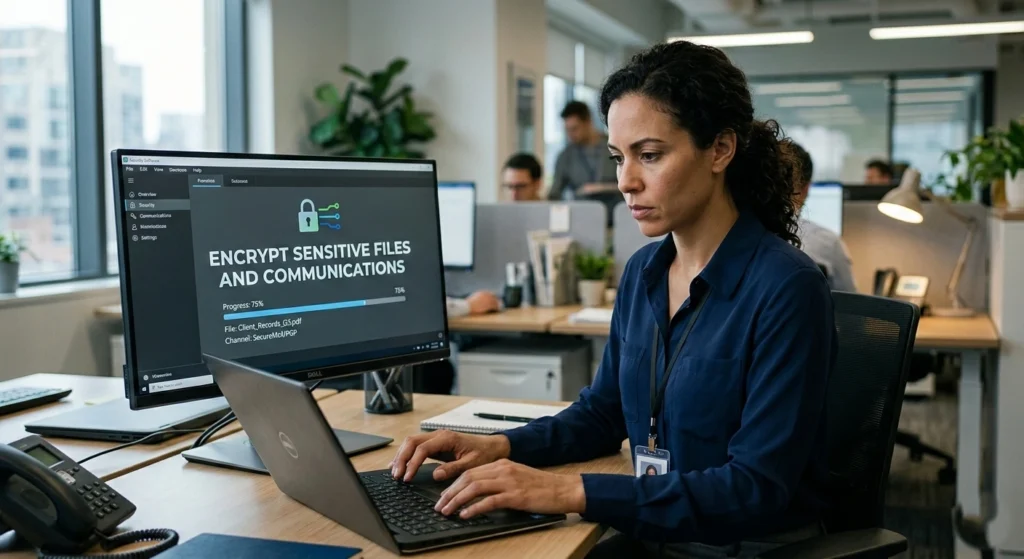
Encryption transforms readable information into encoded data that can only be accessed with the correct decryption key. It is one of the most powerful tools for protecting confidential information.
Why Encryption Matters
If encrypted files are stolen or intercepted, they remain unreadable without the proper keys. This makes encryption especially valuable for protecting financial records, personal documents, and private communications.
Organizations such as the National Security Agency recommend encryption as a fundamental component of modern data security.
Types of Encryption
File Encryption
Individual files or folders are encrypted to prevent unauthorized access.
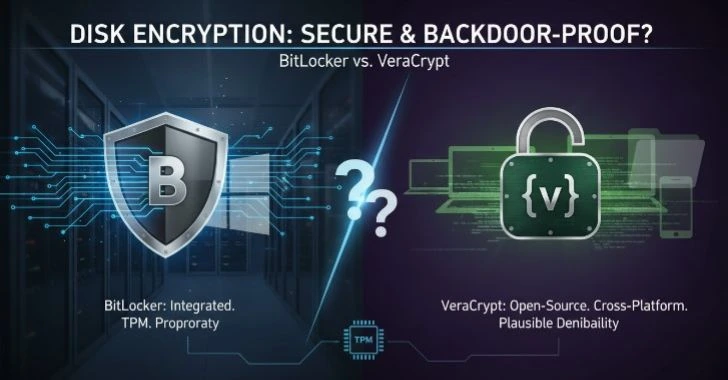
Full Disk Encryption
Entire storage drives are encrypted, ensuring that all stored data remains protected.
Communication Encryption
Encrypted messaging and secure email protocols protect information during transmission.
10: Manage App Permissions on Your Devices
Mobile applications and desktop programs often request permission to access device features such as cameras, microphones, contacts, and location data.
While many permissions are necessary for functionality, excessive permissions may expose sensitive information.
Understanding App Permissions
Permissions determine what information an application can access. Some common permissions.
- Location data
- Camera access
- Microphone usage
- Contacts and file storage
Granting unnecessary permissions may allow applications to collect more data than required.
Reviewing App Permissions
Regularly reviewing application permissions helps maintain privacy.
Remove Unnecessary Permissions
If an application does not need access to certain data, disabling the permission reduces exposure.
Uninstall Unused Applications
Managing permissions ensures that applications only access the information they genuinely require.
11: Be Wary of Suspicious Scams and Suspicious Links
Suspicious attacks remain one of the most common forms of cybercrime. These scams attempt to trick users into revealing sensitive information such as passwords or financial details.
Suspicious messages often appear to come from trusted organizations, making them difficult to recognize.
How Suspicious Attacks Work
Attackers typically send emails or messages containing links that lead to fake websites designed to collect personal data.
The Anti-Suspicious Working Group reports thousands of new Suspicious websites each month, targeting individuals and businesses worldwide.
Warning Signs of Suspicious
Common indicators.
- Urgent or threatening language
- Requests for personal information
- Suspicious links or attachments
- Misspelled domain names
Protecting Yourself from Suspicious
Verify the Source
Always confirm the legitimacy of unexpected emails or messages before responding.
Avoid Clicking Suspicious Links
Instead of clicking links directly, navigate to official websites through trusted bookmarks or manual entry.
Awareness and caution remain the most effective defenses against Suspicious attacks.
12: Educate Yourself and Family on Digital Security Practices
Technology is used by individuals of all ages, from children accessing online education to older adults communicating through social media. Ensuring that everyone understands basic digital security practices is essential.
Why Digital Security Education Matters
Many cyber incidents occur due to simple mistakes such as clicking unsafe links or downloading suspicious files.
Teaching digital safety helps reduce these risks and encourages responsible online behavior.
Important Topics to Discuss
Password Safety
Explain the importance of strong and unique passwords.
Recognizing Online Scams
Teach family members how to identify suspicious messages and fraudulent requests.
Privacy Awareness
Encourage thoughtful sharing of personal information online.
Creating a culture of cybersecurity awareness strengthens protection for everyone who uses shared devices or networks.
Conclusion
Protecting personal information and digital devices has become a fundamental responsibility in today’s connected world. Cyber threats continue to evolve, but many security risks can be reduced by adopting simple and consistent practices.
Using strong passwords, enabling multi-factor authentication, updating software regularly, and maintaining secure network settings are among the most effective steps individuals can take to safeguard their digital lives. Equally important is staying informed about online scams and managing personal data responsibly.
These 12 proven strategies, individuals can significantly strengthen their digital security and maintain greater control over their personal information. Cybersecurity is not a single action but an ongoing process that involves awareness, good habits, and proactive protection.