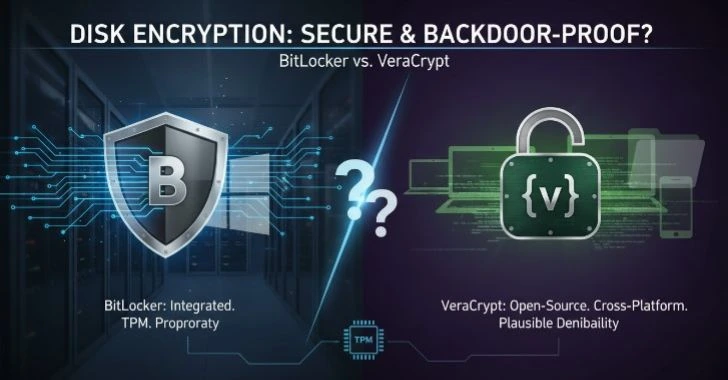
Data security is more important than ever. Whether you’re storing sensitive information on your computer or sending it over the internet, encryption plays a crucial role in safeguarding that data. But encryption isn’t a one-size-fits-all solution.
Encryption at rest refers to the protection of data that is stored on a device, such as a hard drive, SSD, or cloud storage. When data is at rest, it’s idle and not being used, but it still needs protection from unauthorized access in case a device is lost, stolen, or compromised. The Common method of encryption at rest include Full Disk Encryption (FDE), which commonly implemented to operating systems like BitLocker for Windows and FileVault for macOS.
These encryption methods use algorithms like AES-256 to encrypt the entire storage device, making it unreadable without the proper decryption key.
On the other hand, encryption in transit secures data that is actively being transferred between devices over networks, such as when you send an email, use a messaging app, or shop online. This type of encryption ensures that data is encrypted while it travels through the network, protecting it from eavesdropping or tampering.
Popular protocols like SSL/TLS (used in HTTPS websites) and VPN encryption are commonly employed to secure data in transit. With the rise of cyber-attacks like man-in-the-middle (MITM) attacks, encryption in transit has become a vital tool for securing personal and business communications.
Both types of encryption are essential to maintaining overall data privacy and security, but they serve different purposes. Understanding how your operating system handles these methods whether it’s through native tools or third-party applications is key to ensuring your data is safe from hackers, identity thieves, and other online threats.
How Your Operating System Secures Data: Encryption at Rest vs. Transit
Operating systems are not just task managers and graphical interfaces. They are the core guardians of data confidentiality. Whether you are using Windows from Microsoft, macOS from Apple, or a Linux distribution, the OS plays a central role in encrypting, decrypting, and controlling access to information.
Understanding the Two Protection Layers
Operating systems typically secure data in two major states.
- Data at Rest – Information stored on a hard drive, SSD, USB drive, or database.
- Data in Transit – Information moving across a network, such as emails, API calls, or web traffic.
Each state introduces different attack surfaces.
| Data State | Primary Threat | Example Risk |
|---|---|---|
| At Rest | Physical theft, unauthorized disk access | Stolen laptop |
| In Transit | Network interception, man-in-the-middle attacks | Public Wi-Fi snooping |
Built-In OS-Level Encryption Mechanisms
Most modern operating systems implement.
- Full disk encryption (FDE)
- File-level encryption
- Secure socket layers for network communication
- Certificate-based trust validation
- Kernel-level cryptographic libraries
For example.
- Windows uses BitLocker for disk encryption.
- macOS uses FileVault.
- Linux often uses LUKS (Linux Unified Key Setup).
- All major systems rely on TLS for encrypted communications.
The OS integrates these mechanisms directly into the kernel or security subsystem, ensuring encryption occurs transparently without requiring user-level applications to manage cryptographic details.
Protecting Data with Encryption: At Rest vs. In Transit
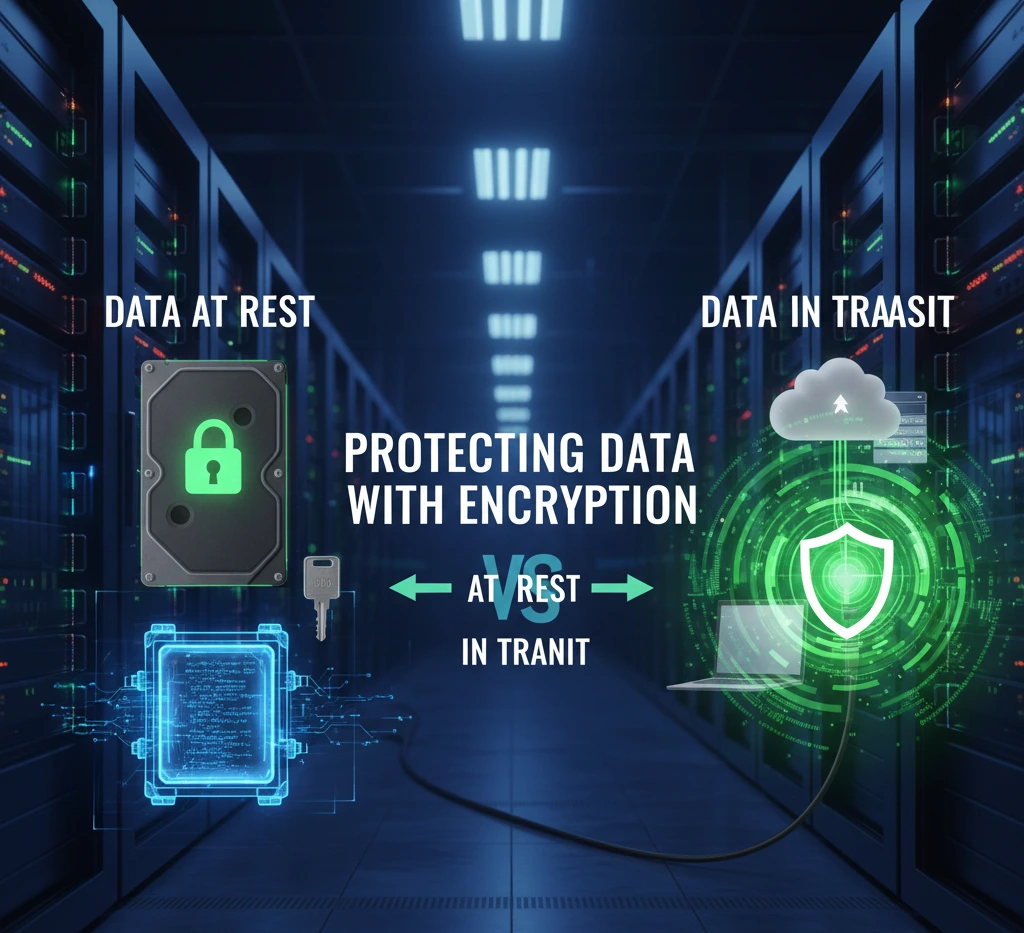
While both encryption types protect confidentiality, they operate very differently. Data encryption is crucial for protecting sensitive information, but how it’s implemented depends on whether the data is stored or in transit.
Encryption at rest secures data stored on devices or in the cloud, making it unreadable without the proper key. Common examples include BitLocker for Windows and FileVault for macOS. On the other hand, encryption in transit protects data as it moves across networks, preventing unauthorized access during transmission.
This is achieved through protocols like SSL/TLS (used for HTTPS) and VPN encryption. Both methods are essential for comprehensive data security, ensuring that data remains protected whether it’s idle or being transferred.
Encryption at Rest: Securing Stored Data
Encryption at rest protects data physically stored on storage media.
How It Works
When full disk encryption is enabled.
- Data is encrypted using symmetric cryptography (commonly AES-256).
- Encryption occurs before data is written to disk.
- Decryption occurs transparently after authentication during boot.
Typical process.
- System boots.
- User authenticates.
- OS unlocks encryption key.
- Disk becomes readable to authorized processes.
Without proper authentication, the raw disk remains unreadable.
Real-World Scenario
If a laptop is stolen.
- Without encryption: The attacker can remove the drive and read files.
- With encryption: The attacker sees only encrypted binary data.
According to industry security studies, stolen devices are among the leading causes of data breaches in corporate environments. Encryption at rest dramatically reduces that risk.
Encryption in Transit: Securing Moving Data
Encryption in transit protects data while it travels between systems.
Where It Applies
- HTTPS web browsing
- Email transmission (SMTP over TLS)
- VPN tunnels
- Remote desktop sessions
- Cloud API communication
How It Works
Encryption in transit relies on.
- Asymmetric cryptography (public/private keys)
- Digital certificates
- Secure key exchange
- Symmetric session encryption after handshake
Example: HTTPS connection
- Client connects to server.
- Server presents digital certificate.
- Client verifies certificate authority.
- Secure session key is negotiated.
- All further communication is encrypted.
Without encryption in transit, attackers on the same network can intercept traffic using packet-sniffing tools.
Key Differences Between Encryption at Rest and Encryption in Transit
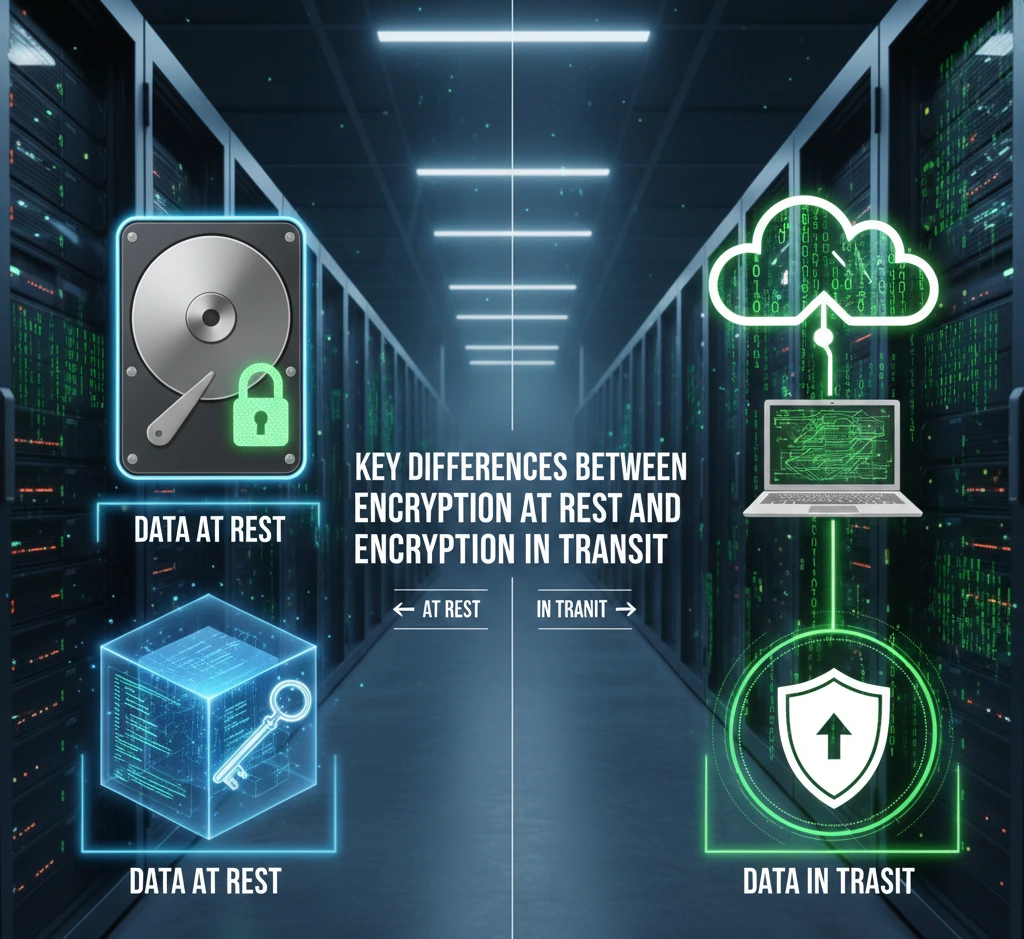
Although both protect confidentiality, they differ technically and operationally. Securing data, encryption at rest and encryption in transit play distinct roles. Encryption at rest protects data when it’s stored on devices or in the cloud, ensuring that it remains unreadable if the storage is compromised.
This is commonly used by tools like BitLocker or FileVault. In contrast, encryption in transit safeguards data while it’s being transmitted over networks, protecting it from interception or tampering during transfer. SSL/TLS and VPNs are typical methods for encryption in transit.
While both are critical for overall data security, understanding how they differ helps ensure your data is protected, whether it’s stored or being moved.
Core Comparison
| Feature | Encryption at Rest | Encryption in Transit |
|---|---|---|
| Protects | Stored data | Moving data |
| Common Algorithms | AES-128, AES-256 | TLS (AES + RSA/ECDSA) |
| Trigger | Disk write/read | Network communication |
| Threat Mitigation | Device theft | Network interception |
| Authentication Needed | System login | Certificate validation |
Performance Impact
Encryption at rest.
- Minimal overhead on modern CPUs with hardware AES acceleration.
- One-time unlock at boot.
Encryption in transit
- Slight CPU overhead during TLS handshake.
- Continuous encryption during communication.
Modern processors include AES-NI instructions, reducing performance penalties significantly.
The Role of Encryption in Data Security: At Rest vs. In Transit
Encryption is not optional in modern security architecture it is foundational. Encryption is a fundamental part of data security, but its role changes depending on whether your data is stored or in transit.
Encryption at rest ensures that data, whether stored on a hard drive, cloud server, or any device, remains protected when it’s not actively being used. This prevents unauthorized access if someone gains physical access to the device.
On the other hand, encryption in transit focuses on protecting data while it’s being transferred across networks. Whether you’re sending an email or shopping online, encryption like SSL/TLS ensures that the data stays secure from cyber threats during its journey.
Confidentiality
Encryption ensures that even if data is accessed illegally, it cannot be read without the key.
Integrity
Transport encryption protocols include integrity verification via cryptographic hashes. This prevents tampering during transmission.
Compliance Requirements
Many regulatory frameworks require encryption
- GDPR mandates protection of personal data.
- HIPAA requires safeguards for health records.
- PCI-DSS requires encryption of payment data.
Encryption at rest and in transit are often explicitly required controls.
How Encryption at Rest and In Transit Safeguard Your Data
Protection is not theoretical. It is practical and measurable. Cyber threats, safeguarding your data is more important than ever. Encryption at rest and encryption in transit are two essential methods that protect your information at different stages.
Encryption at rest secures data stored on devices, hard drives, or cloud servers, ensuring it remains unreadable if the device is lost or hacked. It’s like locking your data in a safe when you’re not using it. On the other hand, encryption in transit protects data while it’s being transmitted over networks.
Whether you’re sending emails, making payments, or browsing online, encryption ensures your data is shielded from potential hackers during its journey. Together, these encryption methods form a double layer of defense.
Example 1: Stolen Laptop
With disk encryption enabled
# Example: Checking LUKS encryption status (Linux)
lsblk -f
Encrypted partitions appear as crypto_LUKS.
Without the decryption key, the contents are unusable.
Example 2: Public Wi-Fi Attack
Without HTTPS
- Credentials transmitted in plain text.
- Attacker captures packets.
With HTTPS
- Traffic is encrypted.
- Attacker sees only ciphertext.
You can verify secure transmission in browsers by checking the lock icon and certificate details.
OS-Level Enforcement
Operating systems enforce encryption through
- Secure boot mechanisms
- Trusted Platform Module (TPM)
- Keychain or credential vault systems
- Kernel cryptographic modules
These features prevent unauthorized access even if physical hardware is compromised.
Why Both Encryption at Rest and Encryption in Transit Are Crucial for OS Security
Relying on only one type of encryption creates security gaps. Operating system, encryption at rest and encryption in transit are two vital components that work together to protect your data. Encryption at rest ensures that sensitive information stored on your device or in the cloud remains encrypted, even if someone gains unauthorized access to your storage.
This protects your files from theft or breaches when your system is not in use. On the other hand, encryption in transit keeps your data safe as it moves between devices or across networks. Whether you’re browsing the web, sending messages, or transferring files, this form of encryption ensures that cybercriminals can’t intercept or tamper with your data while it’s in motion.
Scenario: Only Encryption at Rest Enabled
Risk
- Data safe on disk.
- Vulnerable during network transmission.
Example
Sending unencrypted email from encrypted laptop.
Scenario: Only Encryption in Transit Enabled
Risk
- Data safe during transmission.
- Vulnerable if device is stolen.
Example
Cloud backup encrypted in transit, but local disk unprotected.
Defense in Depth
Security best practice requires layered defense
- Disk encryption
- Transport encryption
- Access control
- Multi-factor authentication
- Logging and auditing
Encryption is one layer — but a critical one.
Securing Your Data: The Importance of Encryption at Rest and In Transit
Let’s examine how major operating systems integrate both protections. To keep your data secure, both encryption at rest and encryption in transit are essential. Encryption at rest protects stored data whether on your device or in the cloud making it unreadable to unauthorized users if the storage is compromised.
Encryption in transit secures data while it’s being transferred over networks, preventing interception during activities like online shopping or sending emails.
Disk Encryption in Practice
Windows (BitLocker)
Command to check BitLocker status
manage-bde -statusmacOS (FileVault)
Check status
fdesetup statusLinux (LUKS)
Check encrypted volumes
cryptsetup status <device>These tools show whether full disk encryption is active.
Network Encryption in Practice
To test TLS connection
openssl s_client -connect example.com:443This displays certificate chain and encryption protocol.
Operating systems automatically use TLS libraries for
- Browser traffic
- System updates
- Cloud synchronization
- Remote login sessions
Encryption at Rest and In Transit: A Comprehensive Security Overview
When securing your data, it’s essential to understand the two primary types of encryption: encryption at rest and encryption in transit. Both serve different but equally important roles in protecting your information.
- Encryption at rest protects data that is stored on devices like hard drives, SSDs, or cloud services. It ensures that even if an attacker gains physical access to your storage, the data remains unreadable without the decryption key. Common methods include Full Disk Encryption (FDE) and file-level encryption, with standards like AES-256 providing robust security.
- Encryption in transit, on the other hand, safeguards data while it’s being transmitted over networks. Whether it’s sending emails, making payments, or browsing websites, this encryption prevents data from being intercepted or altered in transit. Protocols like SSL/TLS (for HTTPS websites) and VPNs are standard tools to protect data during online communications.
Cryptographic Foundations
Symmetric Encryption (Used in Disk Encryption)
- Same key for encryption and decryption
- Fast and efficient
- Example: AES-256
Asymmetric Encryption (Used in TLS Handshake)
- Public/private key pairs
- Secure key exchange
- Slower but essential for secure session setup
Modern TLS combines both for efficiency.
Key Management
Encryption strength depends heavily on key management.
At Rest:
- Keys stored in TPM
- Protected by passphrase
- Sometimes integrated with hardware security modules
In Transit:
- Certificate authorities validate identity
- Private keys stored securely on server
- Session keys generated dynamically
Poor key management undermines even strong encryption algorithms.
Common Misconceptions
“Encryption Slows Down My System”
Reality
Modern CPUs include hardware acceleration.
Performance difference is usually under 5%.
“If I Use HTTPS, I Don’t Need Disk Encryption”
Incorrect.
They protect against different threats.
“Encryption Is Only for Enterprises”
False.
Consumer devices are frequent targets of theft and ransomware.
What You Need to Know About Data Encryption: At Rest vs. In Transit
To make informed decisions, understand these core principles. Data encryption is vital for protecting sensitive information, but understanding the difference between encryption at rest and encryption in transit is crucial for effective security.
- Encryption in transit protects data while it’s being transmitted across networks. Whether you’re sending emails, making transactions, or browsing websites, encryption ensures that your data cannot be intercepted or altered by unauthorized parties. Popular protocols include SSL/TLS (used for HTTPS websites) and VPN encryption.
- Encryption at rest refers to data that is stored on devices or in cloud services. It ensures that even if someone gains physical access to your data, they cannot read or steal it without the correct decryption key. Common tools like BitLocker, FileVault, and cloud storage encryption use methods like AES-256 to protect this data.
1. Encryption Is Transparent
Once enabled
- Users rarely notice it.
- Applications operate normally.
- Decryption happens automatically after authentication.
2. Encryption Does Not Replace Access Control
It complements
- Password protection
- File permissions
- Role-based access
3. Backups Must Also Be Encrypted
Encrypted primary disk + unencrypted backup = vulnerability.
Practical Security Checklist
✔ Enable full disk encryption
✔ Use strong login credentials
✔ Ensure HTTPS connections
✔ Avoid unsecured public Wi-Fi
✔ Keep OS updated
✔ Use VPN when necessary
✔ Encrypt external drives
Final Comparison Summary
| Category | Encryption at Rest | Encryption in Transit |
|---|---|---|
| Protects Against | Physical theft | Network interception |
| Implemented By | OS disk encryption | TLS/SSL protocols |
| Key Type | Symmetric | Asymmetric + Symmetric |
| Always Active? | After unlock | During communication |
| Mandatory for Compliance? | Often Yes | Often Yes |
Conclusion
Encryption at rest and encryption in transit are not competing technologies. They are complementary safeguards built directly into modern operating systems.
Encryption at rest ensures that stolen hardware does not expose sensitive files. Encryption in transit ensures that intercepted network traffic cannot be read or altered. Together, they form the backbone of data confidentiality in modern computing environments.
Your operating system is already equipped with these protections. The real question is whether they are properly enabled and configured.
When both are active, your data is protected
- On disk
- On the wire
- In the cloud
- Across devices