Protecting personal data online begins with understanding how digital information is collected and used. Many websites, apps, and online services track user behavior to improve services, deliver advertisements, or analyze trends. While this data collection may sometimes be harmless, it can also expose users to privacy risks if handled improperly or accessed by unauthorized parties.
Understanding How Personal Data Is Collected
When you visit websites or use online services, several types of data may be collected automatically. digital world, your personal data is constantly being collected often without you even realizing it. Every website you visit, app you use, and online service you interactwith has the potential to gather information about you, from your browsing habits and location to your interests and contact details.
Companies use a variety of methods to collect data, including cookies, tracking pixels, app permissions, and even the information you willingly provide when signing up for services.
While some data collection is necessary for functionality like remembering your login credentials or personalizing your experience other forms are primarily used for advertising and analytics.
These include.
- IP address and approximate location
- Device information and browser type
- Browsing history and page interactions
- Search queries and online purchases
- Email addresses and account information
Much of this data collection occurs through technologies such as cookies and tracking scripts. These tools help websites remember user preferences and improve functionality, but they can also build detailed profiles of online behavior.
Reduce Data Sharing with Websites
One of the easiest ways to protect your data is by minimizing the information you provide online. Before creating accounts or submitting forms, ask yourself whether the information requested is necessary. Many websites ask for additional details such as phone numbers, birth dates, or location data that may not be required.
To reduce unnecessary exposure.
- Avoid creating accounts on websites you rarely use
- Skip optional fields when registering online
- Avoid linking multiple services together unnecessarily
- Limit the use of social media logins for third-party websites
These simple habits can reduce the amount of personal information circulating across the internet.
Understand Website Privacy Policies
While many people ignore privacy policies, they contain important details about how websites use and store personal data.
Trusted organizations typically explain.
- What information is collected
- How the data is used
- Whether the data is shared with third parties
- How long the data is stored
Spending a few minutes reviewing these policies can help you make informed decisions about which services deserve your trust.
Manage Your Privacy Settings on Social Media Platforms
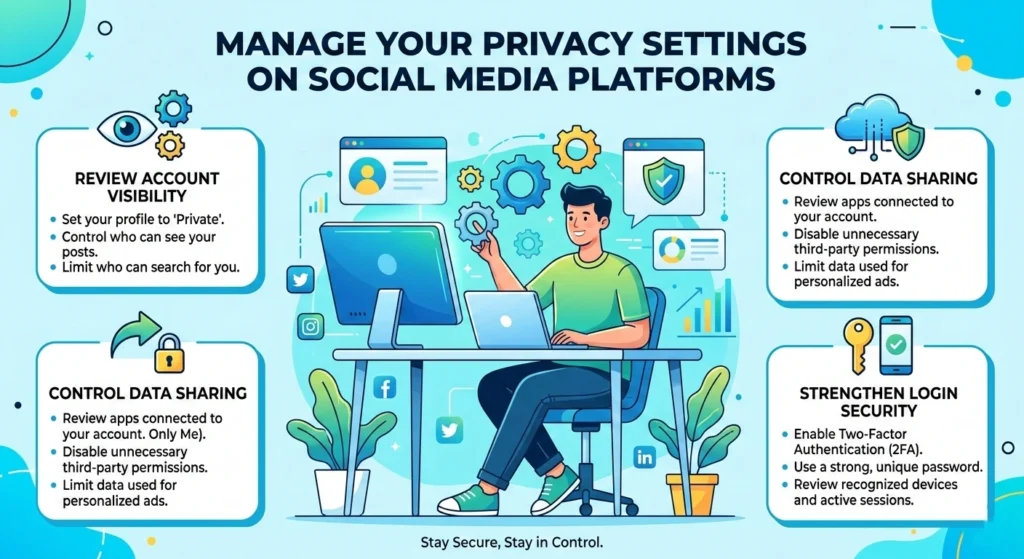
Social media platforms have become central to online communication, but they also collect large amounts of personal data. Photos, location tags, friend lists, and personal updates can reveal detailed insights about an individual’s life. Without proper privacy settings, this information may be visible to strangers, advertisers, or even malicious actors.
Why Social Media Privacy Settings Matter
Platforms such as Facebook, Instagram, & X(Twitter) allow users to control who can view their posts, contact them, and access personal information. However, many users never adjust the default settings, which often prioritize openness rather than privacy.
Taking control of these settings is one of the simplest ways to improve digital privacy.
Adjust Who Can See Your Content
Most social media platforms allow users to customize audience settings. You can typically choose between options.
- Public visibility
- Friends or connections only
- Specific groups
- Only yourself
For better privacy, consider limiting posts to friends or trusted contacts. This reduces the chances of personal information spreading beyond your intended audience.
Limit Profile Information
Many social media profiles include personal details.
- Date of birth
- Phone numbers
- Workplace information
- Location or hometown
- Email addresses
While sharing this information may seem harmless, it can help strangers gather enough data to impersonate you or answer security questions used for account recovery.
Keeping profiles minimal helps reduce these risks.
Review Old Posts and Tagged Content
Older posts may contain information you no longer want to share publicly. Reviewing past posts and removing sensitive content is an effective way to reduce digital exposure.
Also check settings related to photo tagging and location tagging, which can reveal your real-time movements or frequent locations.
Use Strong Passwords and Enable Two-Factor Authentication
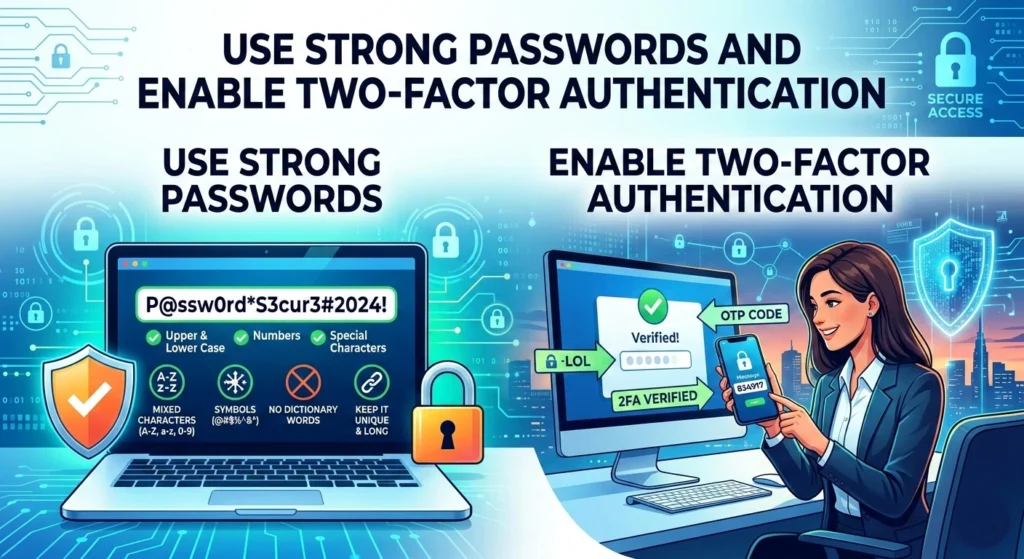
Passwords remain the first line of defense for most online accounts. Weak or reused passwords are among the most common causes of data breaches and account Privacy risks. According to cybersecurity experts, millions of accounts are compromised each year simply because users rely on predictable passwords.
Why Weak Passwords Are Dangerous
Common password mistake.
- Using short passwords
- Reusing the same password across multiple accounts
- Using easily guessed words or numbers
- Including personal information such as birthdays
When attackers obtain a password from one website breach, they often attempt to use it across other services in a technique known as credential stuffing.
Creating Strong and Unique Passwords
A strong password should include a combination of elements.
- Uppercase and lowercase letters
- Numbers
- Special characters
- At least 12–16 characters in length
Instead of simple words, many security experts recommend using passphrases longer combinations of words that are easier to remember but difficult to guess.
Example structure.
Coffee!Morning$River2026Longer passwords significantly increase the difficulty of automated attacks.
Enable Two-Factor Authentication
Two-factor authentication adds an additional security layer to online accounts. Even if someone obtains your password, they still need a second verification method to access the account.
Popular platforms like Google Authenticator provide temporary verification codes that change every few seconds. These codes must be entered alongside the password during login.
Enabling this feature greatly reduces the risk of unauthorized access.
Browse Safely with Secure and Private Browsers
Your web browser is the primary gateway to the internet, making it a critical component of online privacy. Modern browsers include several features designed to protect users from tracking, malicious websites, and intrusive advertisements.
Understanding Browser Tracking
Many websites track visitors through cookies, fingerprinting techniques, and analytics tools. These tracking methods allow companies to analyze user behavior and display targeted advertisements.
While this data collection supports online services, it can also compromise user privacy when combined across multiple websites.
Choose Privacy-Focused Browsers
Some browsers prioritize user privacy by blocking trackers and limiting data collection. Examples include Mozilla Firefox and Brave Browser.
These browsers include built-in protections.
- Tracking prevention
- Cookie isolation
- Secure browsing modes
- Enhanced privacy settings
Using a privacy-focused browser can significantly reduce the amount of information shared with advertisers and analytics networks.
Use Private Browsing Modes
Most modern browsers offer private browsing or incognito modes. When enabled, these modes prevent the browser from storing.
- Browsing history
- Search records
- Temporary cookies
- Form data
While private browsing does not make users completely anonymous online, it can prevent others using the same device from accessing browsing activity.
Protect Your Devices with Antivirus and Security Tools
Digital privacy does not only depend on online behavior it also depends on the security of the devices you use. Computers, smartphones, and tablets can be targeted by malware designed to steal personal data, monitor activity, or gain unauthorized access to accounts.
Understanding Malware Threats
Malware is a general term for malicious software designed to harm devices or steal information. Common types include.
- Spyware that monitors user activity
- Keyloggers that record typed passwords
- Ransomware that locks files for payment
- Trojans disguised as legitimate software
According to cybersecurity research from the AV-TEST Institute, over 450,000new malware samples are detected every day worldwide.
Install Trusted Security Software
Reliable antivirus software can detect and block malicious files before they cause damage.
Most modern security program.
- Real-time threat detection
- Web protection against malicious websites
- Email scanning
- Automatic security updates
Keeping these protections active helps prevent data theft and system compromise.
Keep Operating Systems Updated
Software updates often include critical security patches that fix vulnerabilities discovered by developers and security researchers. Ignoring updates can leave devices exposed to known threats.
Operating systems like Windows 11 and macOS regularly release updates to address emerging security risks.
Installing these updates promptly improves both device security and digital privacy.
Be Careful with Public Wi-Fi and Online Networks
Public Wi-Fi networks are convenient but often lack strong security protections. Coffee shops, airports, hotels, and shopping centers frequently offer free internet access, but these networks can expose users to privacy risks.
Risks of Public Wi-Fi
Unsecured networks may allow attackers to intercept data transmitted between devices and websites. This technique, often referred to as “packet sniffing,” can potentially expose.
- Login credentials
- Email messages
- Browsing activity
- Personal information
In some cases, attackers create fake Wi-Fi networks that mimic legitimate ones, tricking users into connecting and unknowingly sharing data.
Safe Practices for Public Networks
If you must use public Wi-Fi, consider the following precautions.
- Avoid accessing financial accounts or sensitive data
- Use secure websites with HTTPS encryption
- Disable automatic Wi-Fi connections
- Turn off file sharing settings
These habits reduce the likelihood of sensitive information being intercepted.
Prefer Secure Connections When Possible
Using trusted home or mobile data connections is generally safer than public networks. Encrypted mobile connections from cellular providers offer stronger protection against unauthorized monitoring.
Control What Personal Information You Share Online
Many privacy risks originate from oversharing personal information. Social media posts, online forms, and public profiles can unintentionally reveal details that data brokers may exploit.
Understanding Digital Footprints
A digital footprint refers to the information you leave behind through online activity.
this include.
- Social media posts
- Comments on websites
- Online purchases
- Email registrations
- Public records
Over time, these fragments of data can combine to form detailed personal profiles.
Think Before You Share
Before posting personal content online, consider whether the information could be used to identify or track you.
for example.
- Sharing travel plans may reveal when your home is empty
- Posting location tags can reveal daily routines
- Sharing family information may expose relatives to scams
Practicing mindful sharing helps reduce unnecessary exposure.
Limit Third-Party Data Access
Many websites allow third-party applications to access user accounts for convenience features. However, these integrations may also collect additional data.
Review and remove apps that no longer need access to your accounts. This step prevents unnecessary data sharing with external services.
Regularly Monitor Your Accounts for Privacy Risks
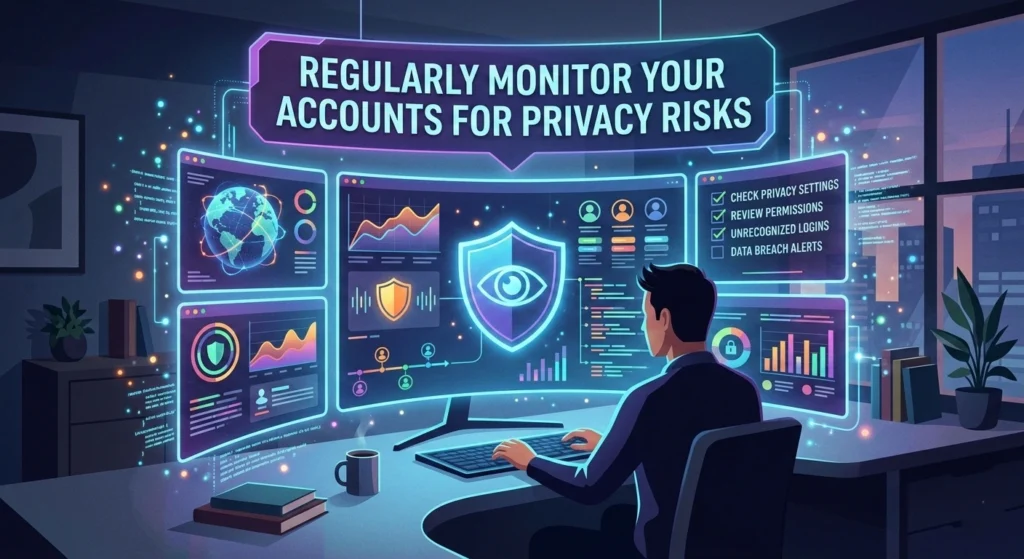
Even with strong privacy habits, it is still important to monitor online accounts for unusual activity. Early detection can prevent minor security issues from becoming serious problems.
Check Account Activity Logs
Many platforms provide activity logs that show recent logins, device locations, and account actions. Reviewing these logs can reveal access attempts or unauthorized changes.
Look for signs.
- Logins from unfamiliar locations
- Password reset requests you did not initiate
- Unknown devices connectedto your account
If suspicious activity appears, change your password immediately and enable additional security protections.
Monitor Financial and Email Accounts
Email accounts often serve as the central hub for password recovery across multiple services. Protecting email accounts is therefore critical for overall digital privacy.
Similarly, monitoring financial accounts helps detect unauthorized transactions early, allowing users to report issues before significant damage occurs.
Respond Quickly to Data Breach Notifications
Occasionally, companies notify users when their systems experience data breaches. When this happens, affected users should.
- Change passwords immediately
- Enable additional security measures
- Review account activity for suspicious actions
Taking quick action helps minimize potential harm.
Final Thoughts
Improving digital privacy does not require advanced technical expertise. While cybersecurity professionals use sophisticated tools and strategies, everyday internet users can protect themselves through practical habits and awareness.
adjusting privacy settings, using strong passwords, browsing securely, protecting devices, and carefully managing personal information, individuals can significantly reduce the risk of data exposure. Small actions such as reviewing account settings or avoiding oversharing can have a meaningful impact on long-term privacy protection.
As the internet continues to evolve, maintaining digital privacy will remain an ongoing process. Staying informed about basic security practices and regularly reviewing online habits can help individuals maintain control over their personal information in an increasingly connected world.